Make the following changes to your app’s Dockerfile:- CMD ["npm", "run", "start"]
+ RUN curl -fsSLO "https://subtrace.dev/download/latest/$(uname -s)/$(uname -m)/subtrace" && chmod +x ./subtrace
+ CMD ["./subtrace", "run", "--", "npm", "run", "start"]
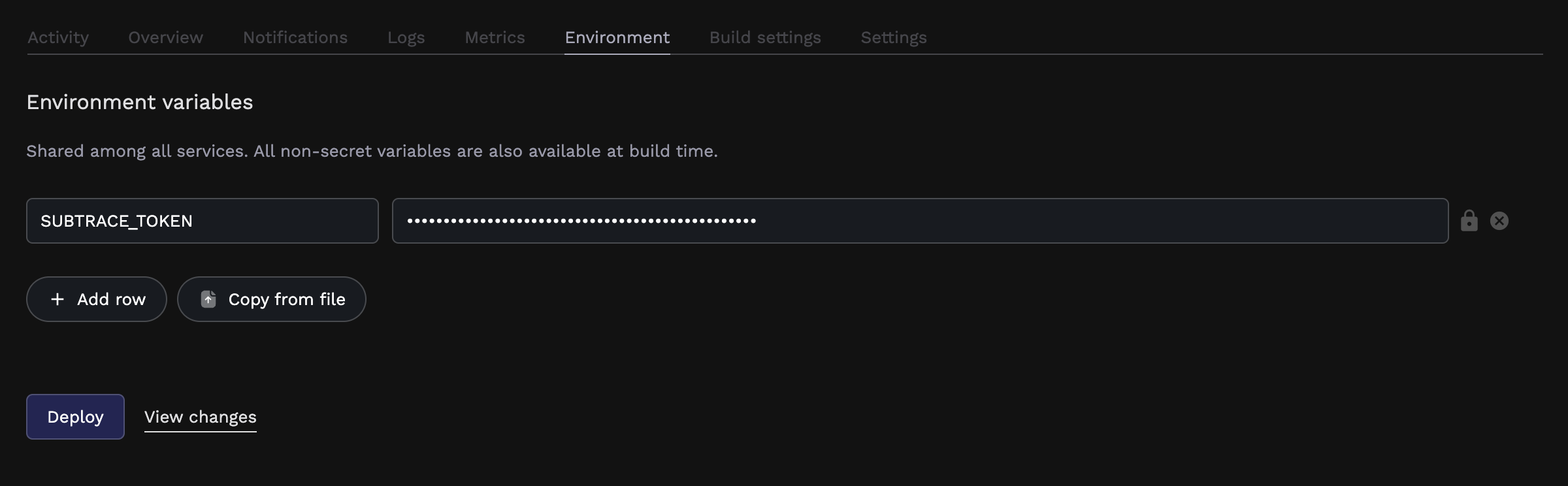
Get a SUBTRACE_TOKEN from the Tokens page on the dashboard
and set it as an environment secret on Porter:
Click the lock icon on the right to make it a secret.
And then deploy your app as you normally would.That’s it! You can now visit your app and make some requests to see them automatically appear in the Subtrace
dashboard. If you’re using Buildpacks, the easiest way to integrate Subtrace would be to just change the command
that’s used to start your app on Porter.Create a file called start.sh in your repo root that downloads Subtrace and starts your app:#!/usr/bin/env bash
curl -fSLO "https://subtrace.dev/download/$(uname -s)/$(uname -m)/subtrace" && chmod +x ./subtrace
./subtrace run -- npm run start # replace with your app command
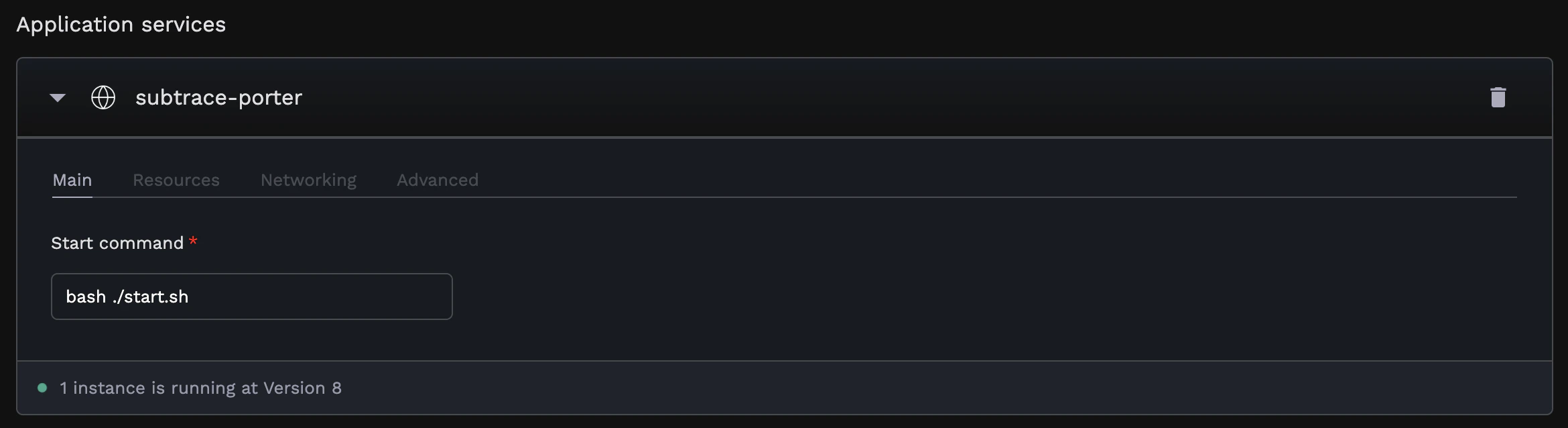
Change your app’s start command on Porter to run this script:
Get a SUBTRACE_TOKEN from the Tokens page on the dashboard
and set it as an environment secret on Porter:
Click the lock icon on the right to make it a secret.
And then deploy your app as you normally would.That’s it! You can now visit your app and make some requests to see them automatically appear in the Subtrace
dashboard.