Subtrace requires Linux kernel version 5.9+.
How do I check what image/kernel version I'm using?
How do I check what image/kernel version I'm using?
- Navigate to your cluster in AWS.
-
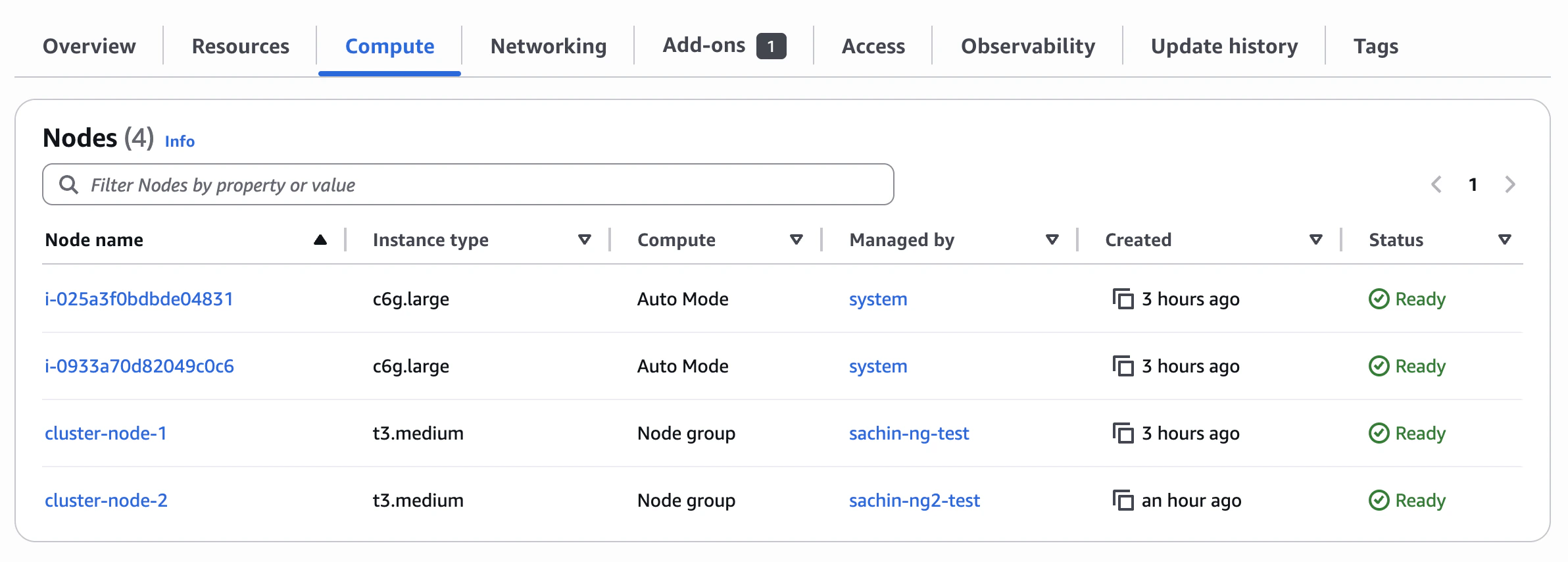
Under the Compute tab, you’ll see your cluster’s nodes.
-
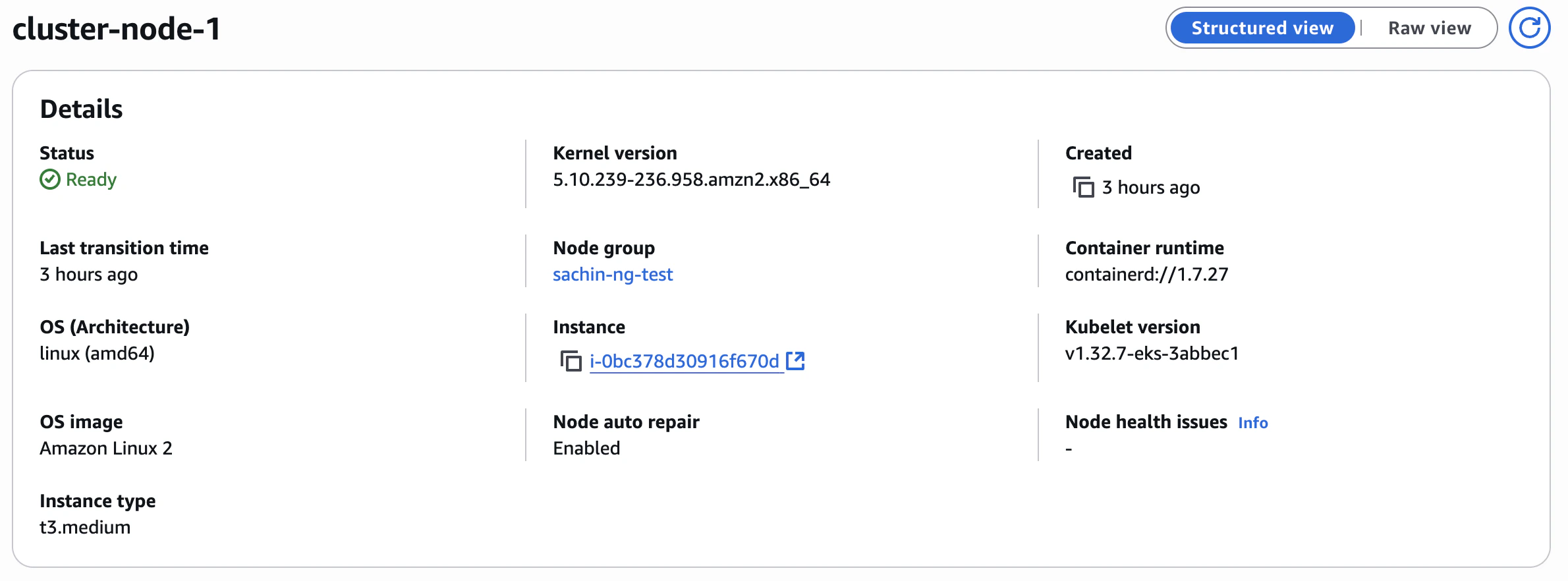
Click on the node you’re interested in to see the kernel version and the image:
- Add Subtrace to your container by making this change to your Dockerfile:
- Build and push your Docker image as usual.
-
Update your Kubernetes pod spec to point to the new image. Here is an example
deployment.yamlfile:
- Apply your changes to the EKS cluster. You can do this using the AWS CLI: